OSOSS · Product updates Release 358 September 2026 |
| Review draft. Confirm availability before sending; unfinished features are marked as previews. |
In Progress Count each batch separately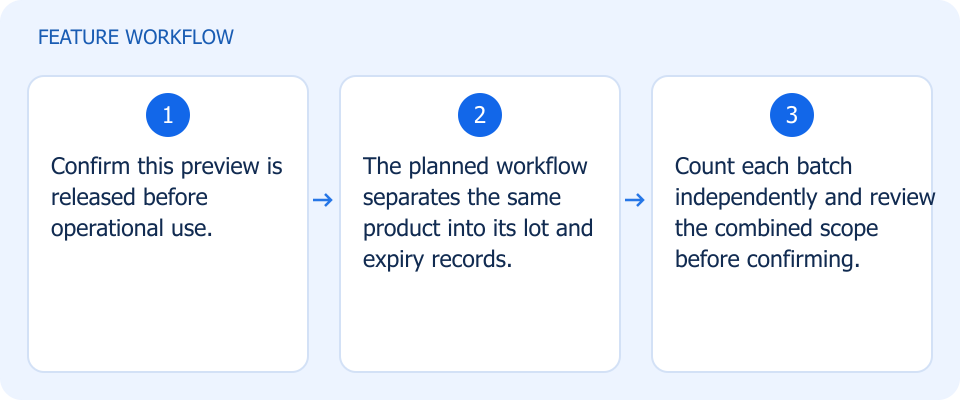 Illustrated workflow, not a product screenshot Business valuePlanned: distinguish quantities by lot and expiry within a single count. Planned multi-batch counting separates lot, expiry, and quantity records for the same product within one count. How to use
|
In Progress Manage branch prices during transfers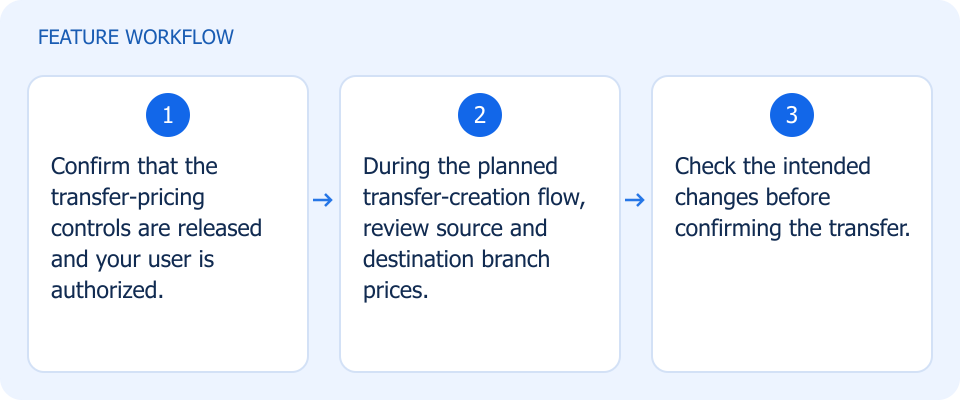 Illustrated workflow, not a product screenshot Business valuePlanned: review branch prices while preparing the stock movement. Planned controls would let authorized users review and set source and destination branch prices during stock-transfer creation. How to use
|
Waiting Ops Testing Enter stock deductions in the correct mode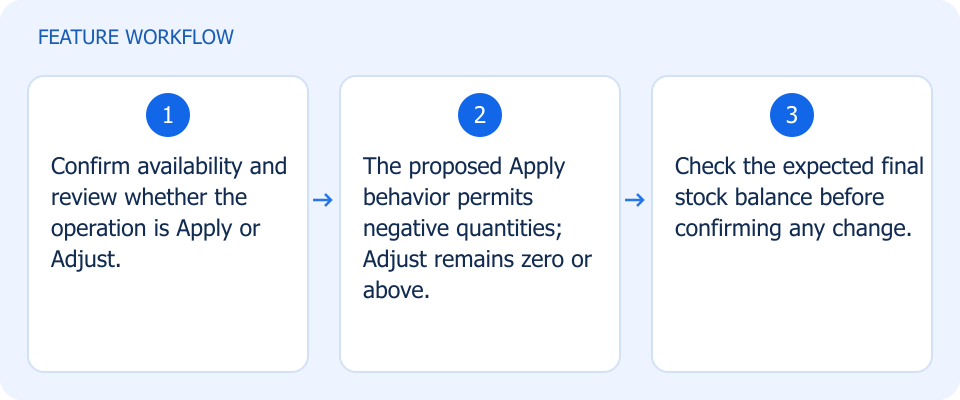 Illustrated workflow, not a product screenshot Business valuePlanned: distinguish stock deduction from setting an absolute balance. The proposed form change permits negative quantities in Apply operations while keeping Adjust quantities at zero or above. How to use
|
Waiting Ops Testing Choose the status after driver self-assignment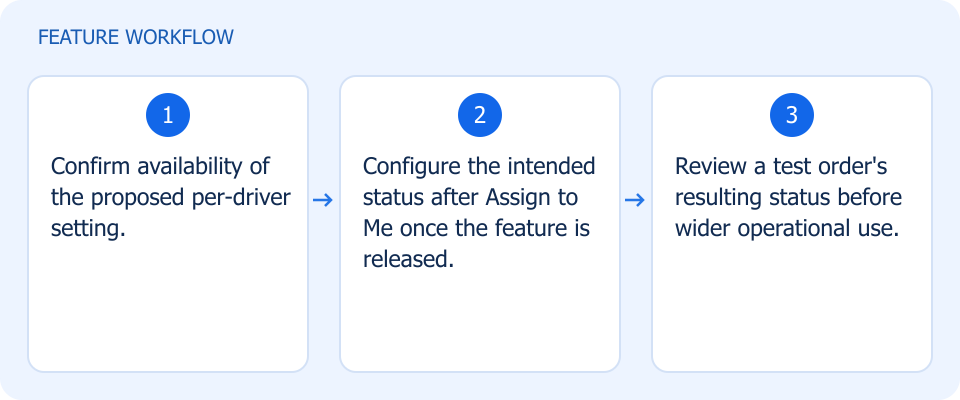 Illustrated workflow, not a product screenshot Business valuePlanned: align driver self-assignment with the intended order status. A proposed per-driver setting would update order status after Assign to Me, rather than always forcing fulfillment. How to use
|
Code review Connect selected data to Looker Studio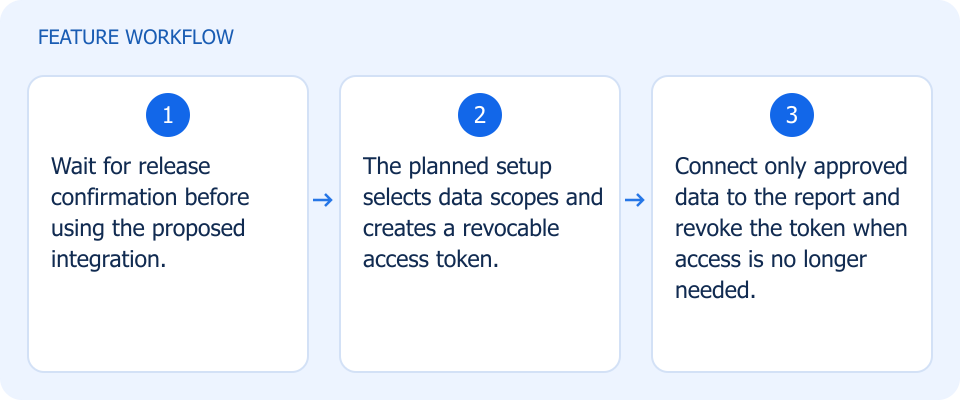 Illustrated workflow, not a product screenshot Business valuePlanned: analyze selected OSOSS data in Looker Studio without granting unrestricted access. The planned marketplace integration uses revocable tokens scoped to selected sales, purchasing, accounting, and inventory data. How to use
|
In Review Refresh app colors from the dashboard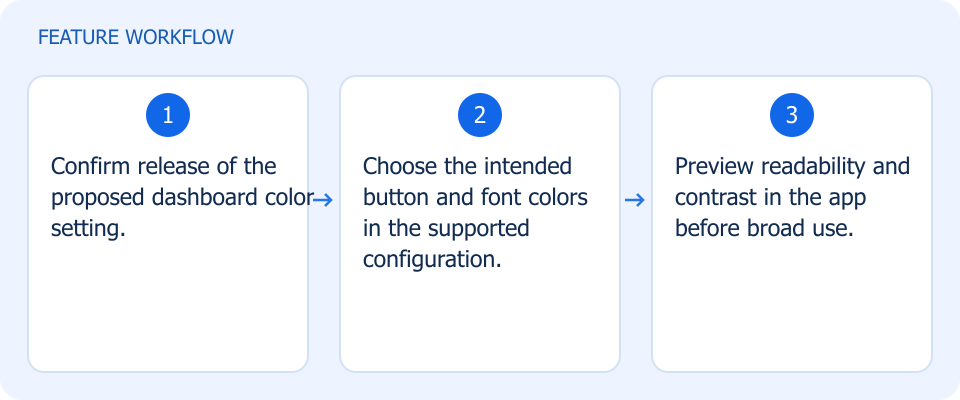 Illustrated workflow, not a product screenshot Business valuePlanned: keep app colors aligned with the brand without a new app build. A planned dashboard setting would change mobile button and font colors without requiring a new app release. How to use
|
Waiting Ops Testing Enter any two purchase values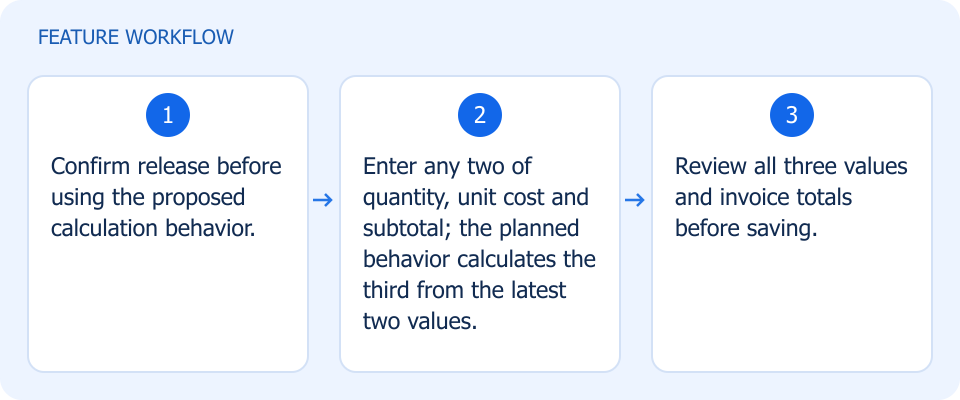 Illustrated workflow, not a product screenshot Business valuePlanned: reduce manual calculation when entering purchase lines. Planned purchase-item entry would calculate quantity, unit cost, or subtotal from the latest two entered values. How to use
|
Waiting Ops Testing Find invoice products by supplier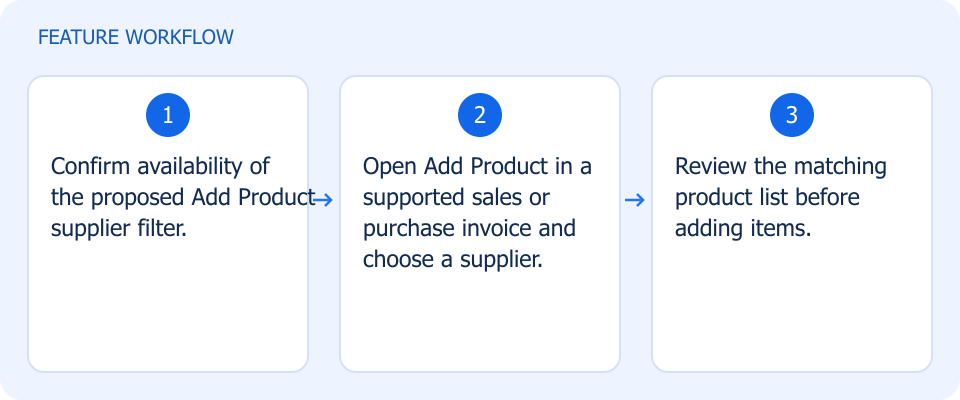 Illustrated workflow, not a product screenshot Business valuePlanned: narrow invoice product selection to a supplier's catalog. A planned supplier filter in Add Product would narrow product choices for sales and purchase invoices. How to use
|
Waiting Ops Testing Offer Casheer at checkout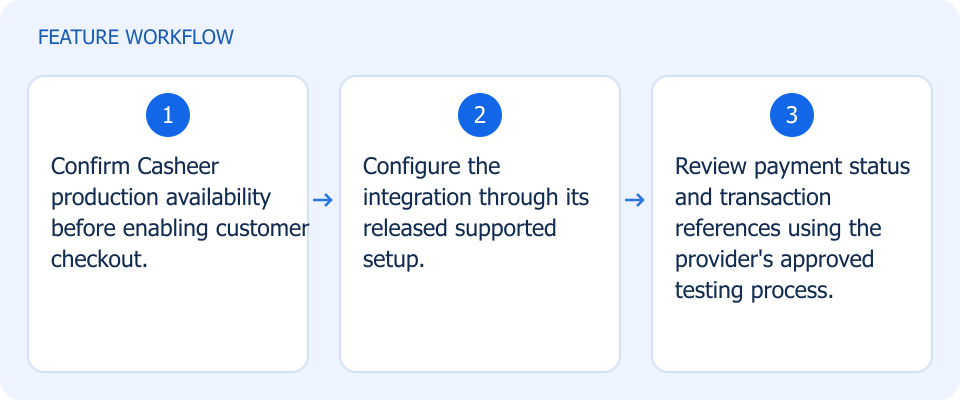 Illustrated workflow, not a product screenshot Business valueUnder testing: add a payment choice with traceable transaction status. The Casheer integration is under testing, with payment-status updates and transaction references in its planned scope. How to use
|
Waiting Ops Testing Give product tags their own colors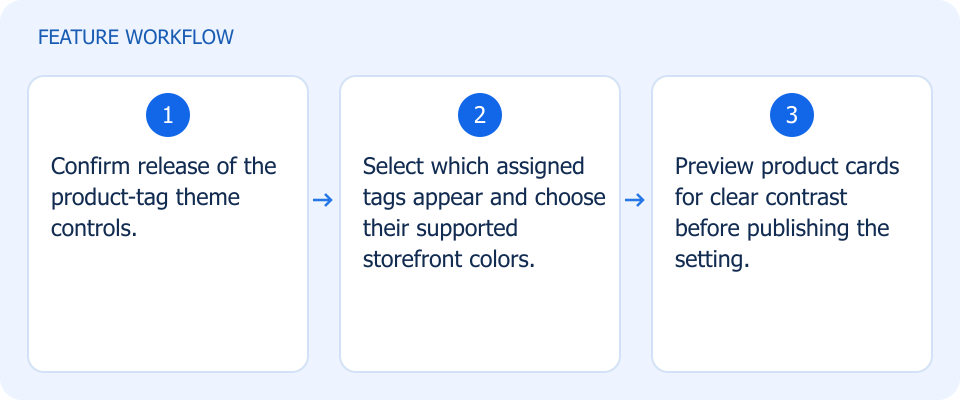 Illustrated workflow, not a product screenshot Business valuePlanned: make selected product tags more recognizable through color. Planned theme controls select which assigned product tags appear and set their storefront colors. How to use
|
Waiting Ops Testing Export more product context with invoices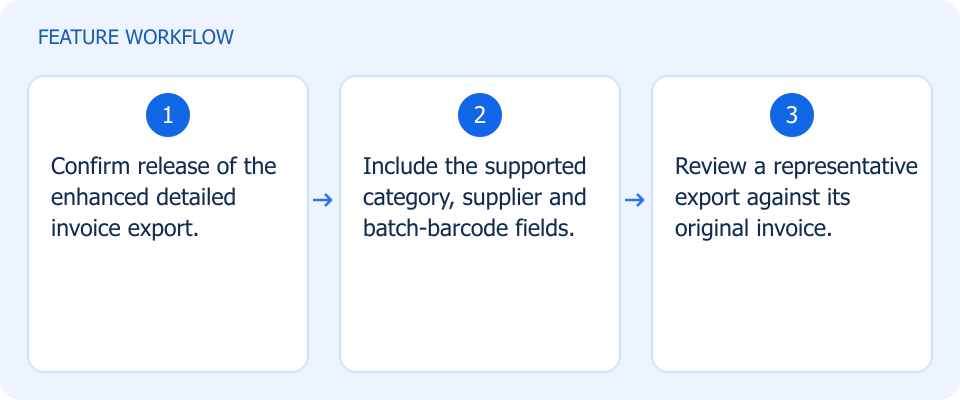 Illustrated workflow, not a product screenshot Business valuePlanned: retain category, supplier and batch context in invoice analysis. Planned detailed invoice exports add product category, supplier, and batch-barcode information. How to use
|
In Progress Build custom perfume compositions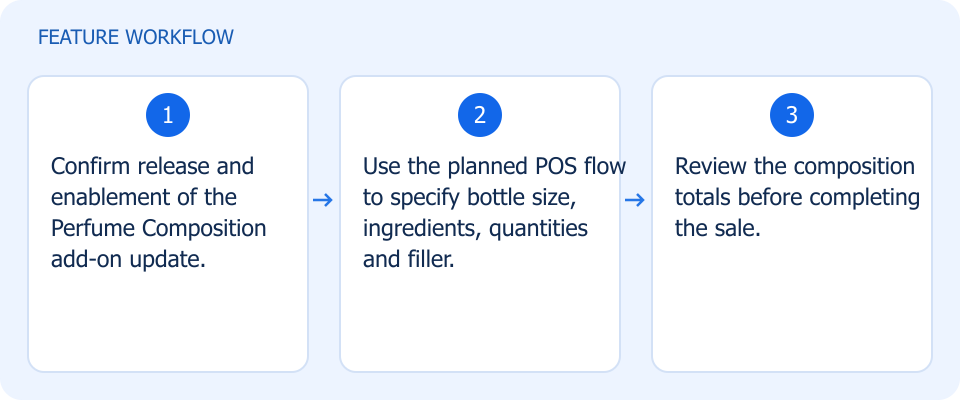 Illustrated workflow, not a product screenshot Business valuePlanned: prepare custom perfume recipes with explicit component quantities. The planned Perfume Composition add-on update brings bottle size, ingredients, quantities, and filler handling into POS. How to use
|
In Progress Identify the exact batch in order workflows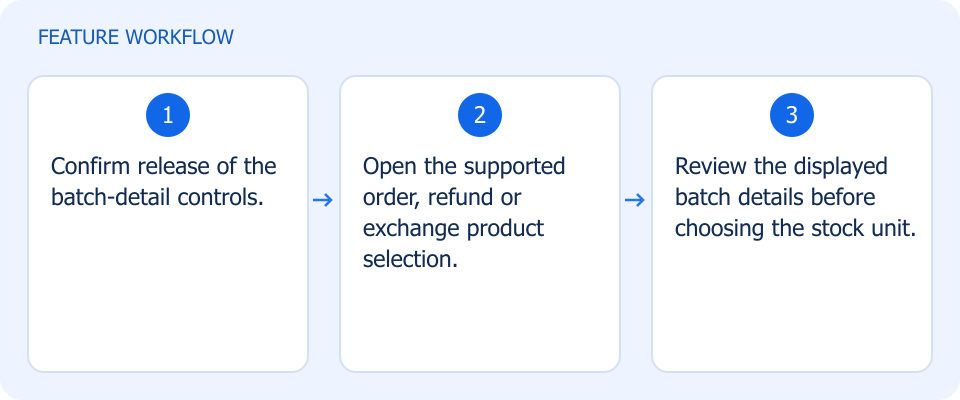 Illustrated workflow, not a product screenshot Business valuePlanned: identify the precise stock batch during order and return handling. Planned batch-detail displays would support more precise review and selection in orders, refunds, and exchanges. How to use
|
In Progress Bring eligible cashback cards to mobile wallets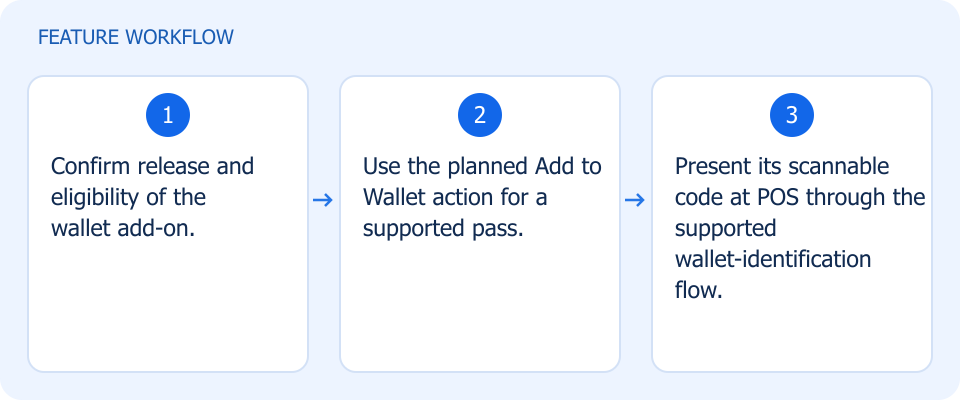 Illustrated workflow, not a product screenshot Business valuePlanned: let customers carry an eligible cashback or coupon pass in their phone wallet. The planned wallet add-on would let customers save supported cashback or coupon passes and present a scannable code at POS. How to use
|
In Review Review: notification sender configuration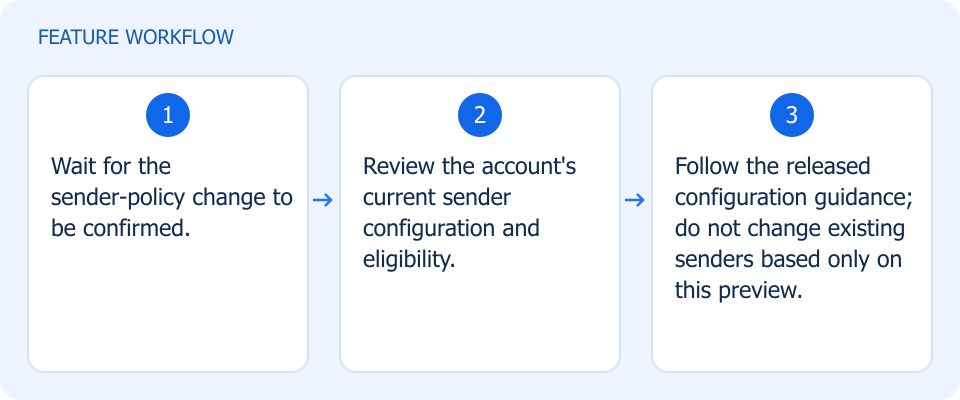 Illustrated workflow, not a product screenshot Business valueProposed: make notification-sender responsibility clearer for eligible accounts. Proposed sender-policy changes would guide eligible accounts toward their own notification senders. Existing-account behavior depends on current configuration. How to use
|