
Your next appointment, a tap away
Let customers choose an available service, date, and time from mobile, complete checkout, and manage their bookings in one place.

See the product behind every number
Add product thumbnails to five sales and inventory reports so your team can identify items faster and read results with more confidence.

Know the supplier. Find the stock.
See supplier information in product and inventory lists, filter by vendor, and include those details in your exports.

Shelf-ready prices, straight from OSOSS
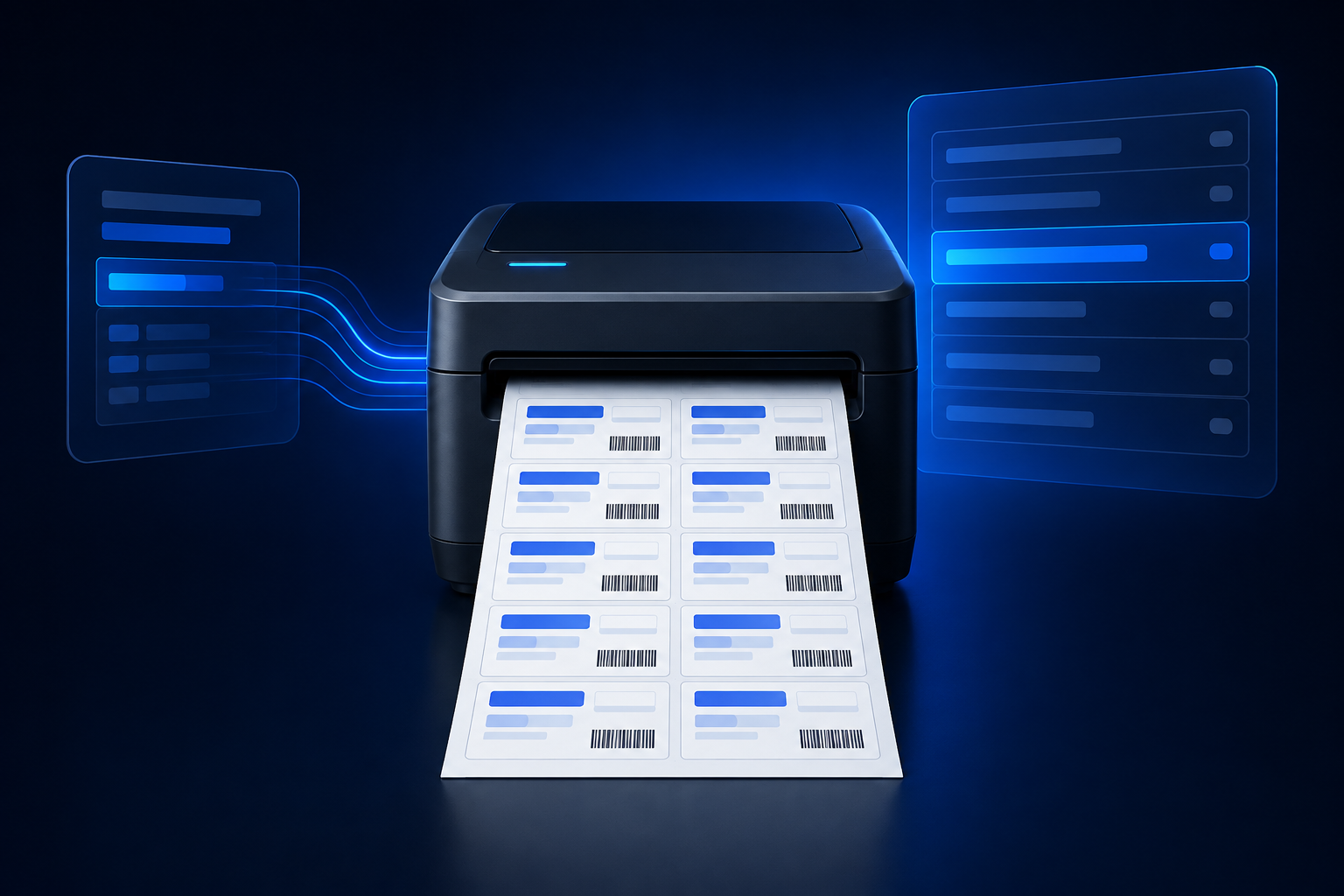
Print 12 bilingual shelf labels on one A4 sheet, with product details, barcodes, and normalized unit pricing.
Find available stock while you sell
Compare stock in your current branch with other permitted branches directly from the manual invoice product selector.

The right discount for every item
Choose a fixed amount or a percentage discount for each invoice line and watch totals update immediately.

Show more of every product
Show up to five images inside a product card, with desktop arrows and mobile swiping that help shoppers explore.

Let your product images do the moving
Switch automatic product-image scrolling on or off in your theme settings, while keeping manual browsing available.

A clearer month-end with every supplier
Review monthly sales, discounts, refunds, fees, and net payable in one supplier settlement report.

Select once. Print every order.
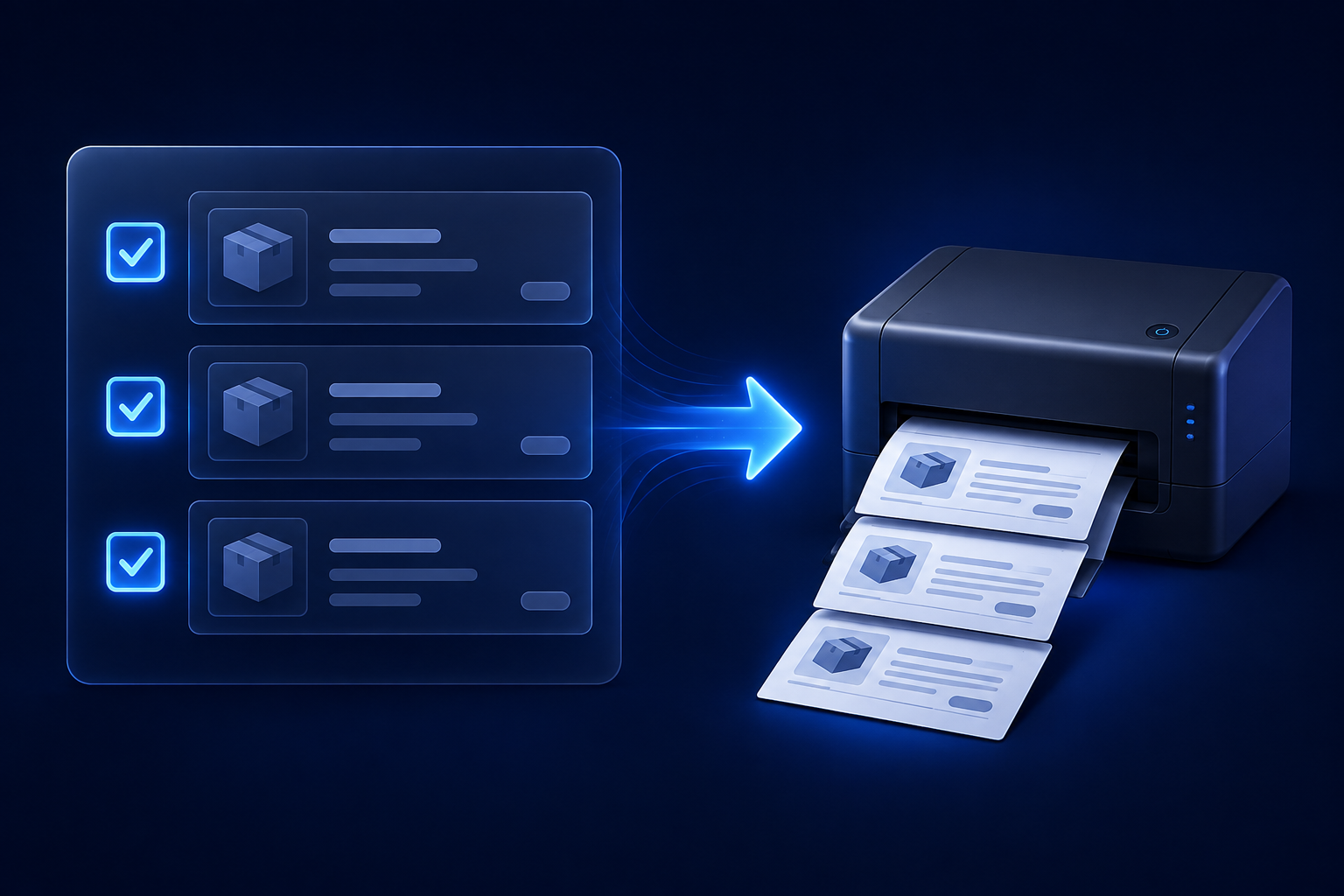
Select multiple orders and print them in one action, with each order starting on its own page.
Take your stock count to paper
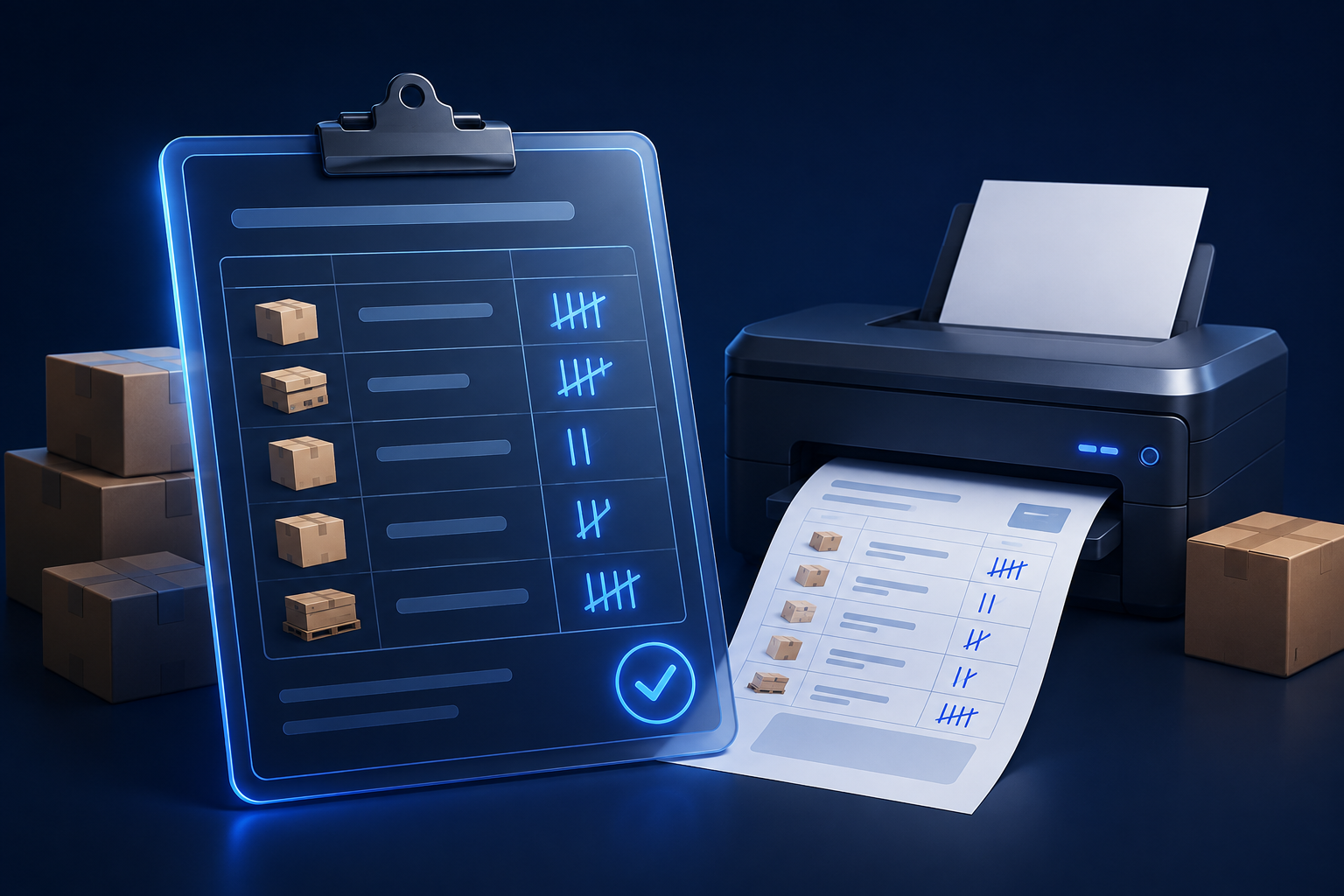
Print counting-session details, overview metrics, and product lines in a clear A4 document for your team.
See the balance before the next sale
View the customer’s accounting balance in the POS customer list, separately from sales due amounts.

Make product choices feel effortless
Present add-ons as checkboxes, dropdowns, or cards in the mobile app, matching your dashboard settings.

Keep your ad catalog focused
Include parent products in your Dynamic Ads feed while excluding child variants, without changing your inventory structure.

Build offers around the products that matter
Target cart, loyalty, and order rules with searchable brand and category conditions.

Turn past purchases into the next great offer
Use previous order counts and numeric comparisons to create more precise cart offers for your customers.

Reward customers in proportion to their purchase
Award points as a percentage of the eligible total, and use inclusive ranges to define when loyalty rules apply.

Find exactly the customers you need
Filter customers with comparisons, ranges, multiple values, and blank-field checks—then save the filter for next time.

Keep the payment reference on the invoice
Print the complete tracking or reference value on all four A4 invoice templates whenever it is available.

See it. Adjust it. Invoice it.
Preview, reopen, and replace custom product images from the POS app before completing the invoice.

Give every product more ways to travel
Share products to Instagram, Snapchat, and LinkedIn alongside the existing social sharing channels.