
Supplier Analysis
Supplier Analysis looks at your buying by supplier rather than by document: how much you buy from each, how their prices behave, and where your purchasing is concentrated.
Menu path: Purchases > Reports > Supplier Analysis
URL: https://my.ososs.com/dashboard/purchases/reports/supplier-analysis
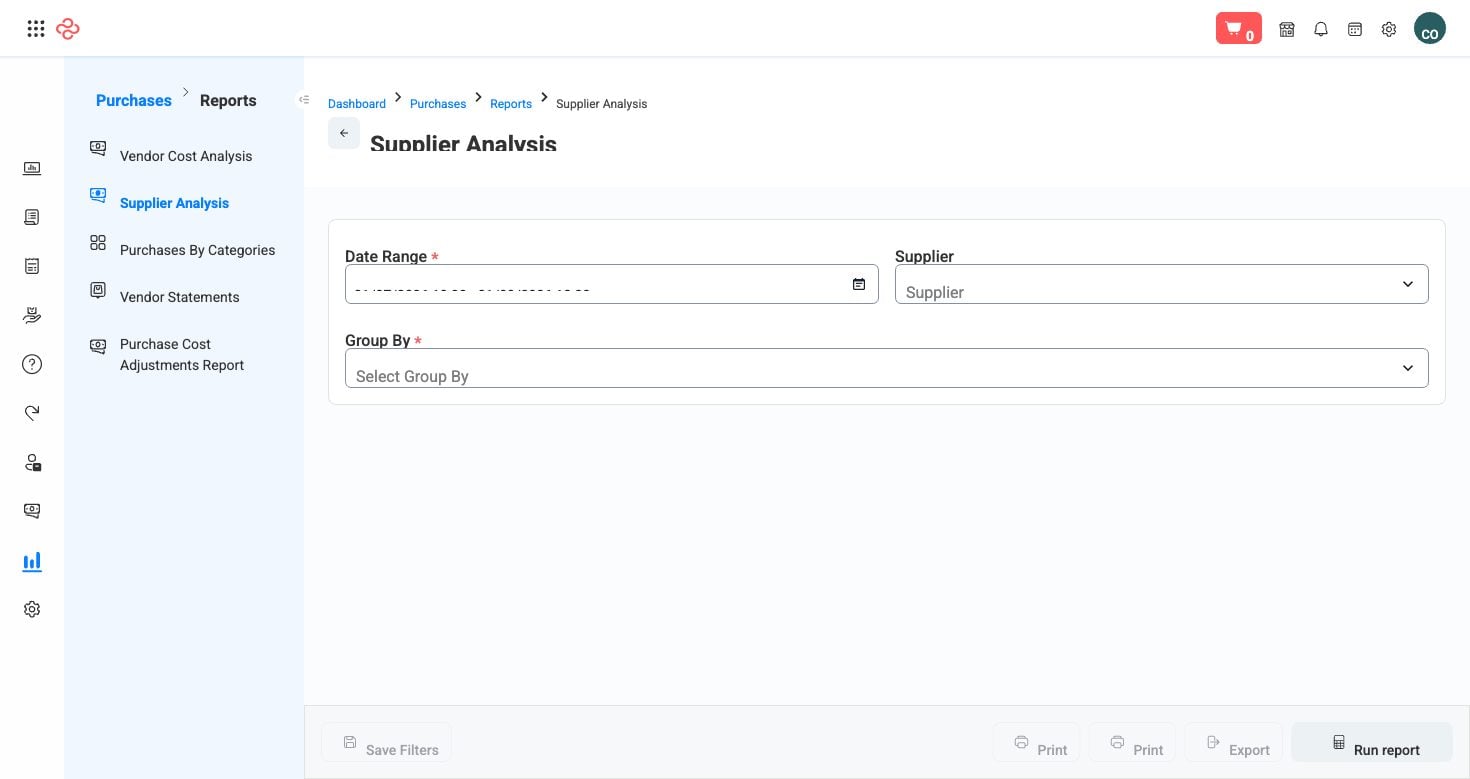
Screenshot from the live OSOSS Dashboard
The questions it answers
| Question | Why it matters |
|---|---|
| Which suppliers take the largest share of spend? | Your negotiating leverage sits with them, and so does your risk |
| How is each supplier's cost trending? | A supplier whose prices creep upward is invisible per invoice and obvious across a year |
| How concentrated is your buying? | Depending on one supplier for a category is a business risk, not a discount |
| Who do you buy the same goods from? | The only comparison that supports a real negotiation |
Reading it
- Rank by spend and look at the top three. Those relationships are where a percentage point is worth more than any saving you will find elsewhere.
- Read the trend, not the level. A supplier who is expensive but stable is easier to plan around than a cheap one who moves prices every quarter.
- Compare landed cost, not invoice price, wherever you buy the same item from more than one supplier. Freight and customs entered on the bill are what make that comparison honest - see Add Surcharge.
- Check concentration. A category bought entirely from one supplier needs either a second source or a contract, and finding that out during a supply failure is expensive.
Tip: Take this report into your annual negotiations rather than a list of complaints. A supplier shown their own share of your spend and their own price trend responds to numbers far better than to a request.
Warning: The analysis is only as complete as your bills. Purchases recorded as expenses or as slips instead of supplier bills are invisible here, so a supplier can look smaller than they are.
Related pages
- Vendor Cost Analysis - the cost-focused view in the Purchases module
- Suppliers Balance - what you owe each supplier
- Vendors - the supplier records themselves