
Suppliers Balance
Suppliers Balance is the payables mirror of Customers Balance: every supplier account with its opening balance, the period's movement, and what you owe now.
Menu path: Accounting > Reports > Suppliers Balance
URL: https://my.ososs.com/dashboard/reports/supplier-balance
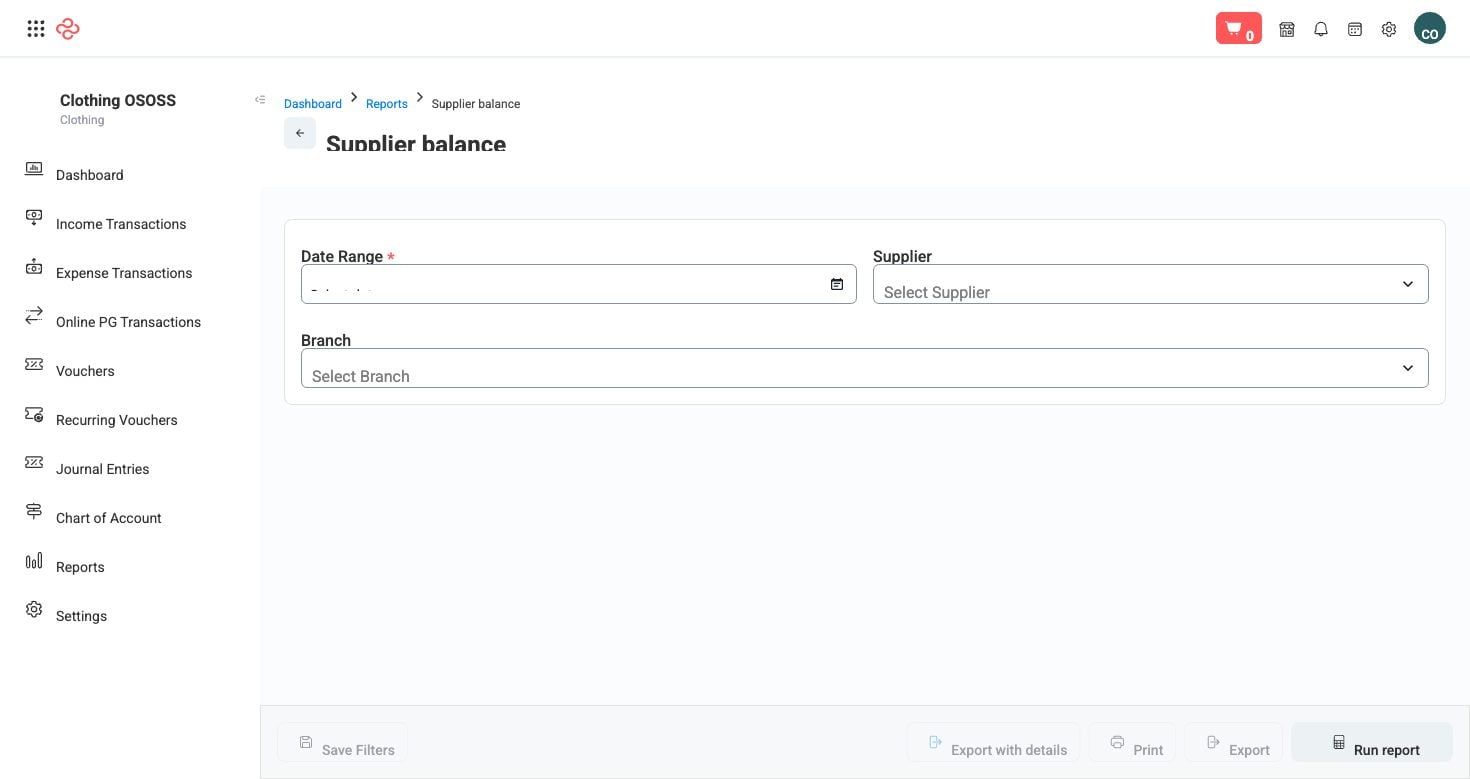
Screenshot from the live OSOSS Dashboard
What the output shows
| Column | What it means |
|---|---|
| Account number | The supplier's account in your chart of accounts |
| Account | The supplier name |
| Starting balance | What you owed at the start of the period |
| Total debit | What you paid them in the period |
| Total credit | What they billed you in the period |
| Net movement | The period's change |
| Ending balance | What you owe now |
Note the direction: on the payables side credits increase what you owe and debits reduce it, which is the opposite of the customer report. Reading them the same way is the most common misreading of this pair.
Reading it
- Sort by ending balance and check the largest against each supplier's own statement before any payment run. Reconciling before you pay is far cheaper than recovering an overpayment after.
- Read net movement to see who you are actually trading with this period, as opposed to who you owe from before.
- Look for negative balances. A supplier in debit usually means a prepayment or an unapplied credit note - money you are owed, and money nobody at the supplier is going to remind you about.
- Cross-check with Vendor Statements when a balance is disputed.
Tip: Use this report to plan payments rather than to record them. Sorting by balance and by movement tells you which suppliers to pay first: the ones whose supply you depend on, then the ones whose terms you are breaching.
Warning: A payables total that does not match your balance sheet means something was posted to a supplier account outside the normal bill and payment flow. Find it before month end, not during an audit.
Related pages
- Vendor Statements - the statement per supplier
- Supplier Analysis - trading patterns per supplier
- Vendors - the supplier records