
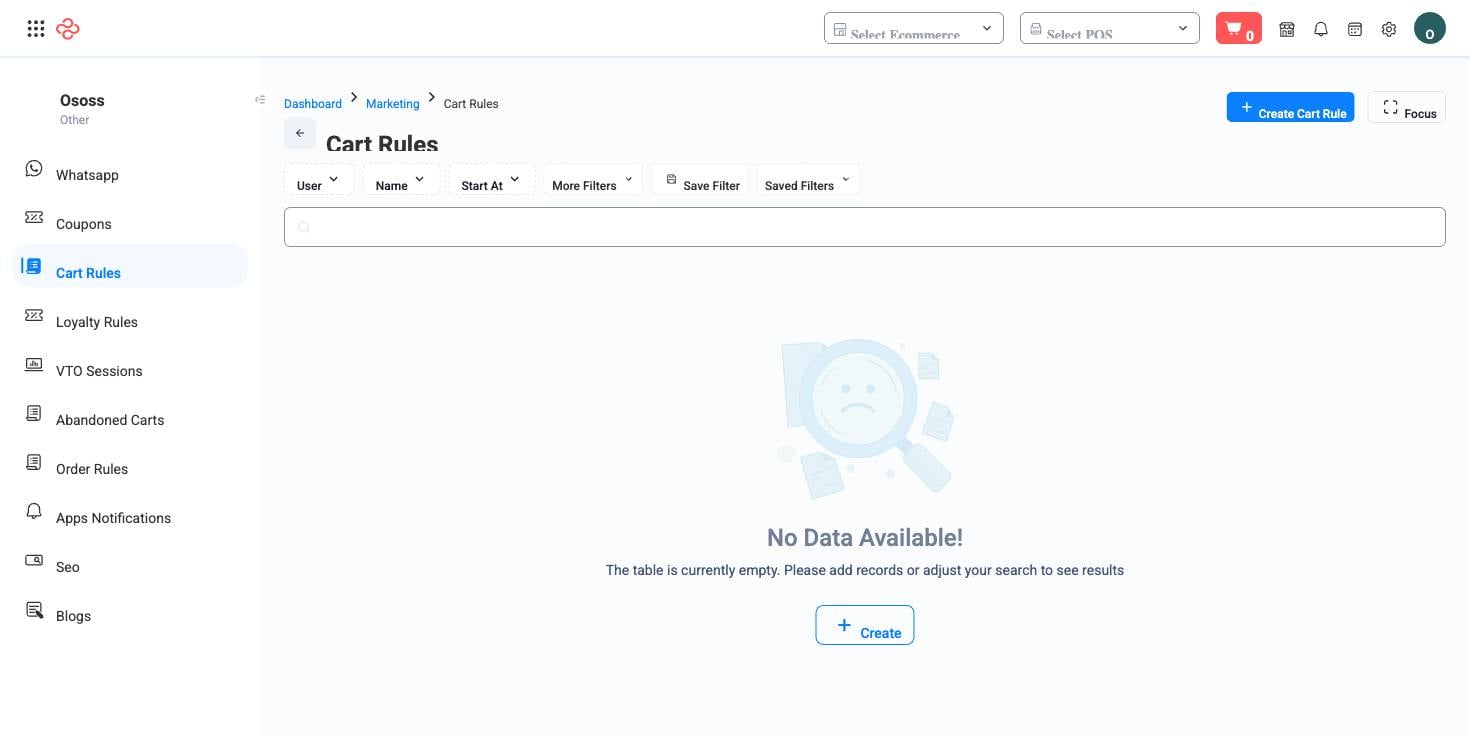
Cart Rules
A cart rule is a promotion that applies at checkout, based on what is in the basket. Buy two get one free, ten per cent over 20 dinars, free delivery for a customer group - no coupon code, no new catalog item, just a condition and a reward.
Menu path: Marketing > Cart Rules
Cart rules against their neighbours
| Tool | How the customer gets it |
|---|---|
| Cart rule | Automatically, when the basket meets the condition |
| Coupons | By entering a code |
| Order Rules | The order-level twin of this engine |
| Product Selling Pricing | As a standing price, not a promotion |
Cart rules and order rules are two levels of the same promotion engine - cart rules act on the basket contents, order rules on the order as a whole. Both are built the same way: general details, a condition builder, and one or more actions.
Building a rule
General details carry the name, whether it is active, the start and end dates, and a priority that decides which rule wins when several could apply.
Conditions are combined with all or any logic and can test payment method, basket total, item count, order and product history, order and payment status, specific products or categories, customer group, delivery zone, branch, and sales channel - POS, store or mobile app.
Actions are what the customer receives: a free payment method, a free order count, buy X get the cheapest free, a discounted order, discounted products, discounted categories, or a tiered discount. Each action carries a redeem count limiting how often it applies.
Launch a promotion
- Write the offer as a sentence first - "spend 20, get free delivery" - then build exactly that and nothing more.
- Set the conditions as narrowly as the offer really requires. Every extra condition is another thing that can silently stop it firing.
- Choose the action and set its redeem count.
- Set the start and end dates. An unbounded promotion is the most common cause of margin damage nobody noticed.
- Set the priority relative to your other live rules.
- Test as a customer before announcing it: add the qualifying basket, and check the discount appears and the total is what you intended.
Full reference
Every option and control on this page, at a glance.
Standard list tools
Every list page in OSOSS shares these controls:
- Manage columns - the icon at the right edge of the header row: search columns, tick to show or hide, drag to reorder. Your selection persists for your user.
- Quick search - matches the page's primary field.
- Filter chips + More Filters - the chips are your defaults; More Filters exposes the full set below.
- Save Filter / Saved Filters - name a filter combination and recall it in one click; one can be your default view.
- Reset - clears filters back to defaults.
- Export All - downloads the current filtered rows with exactly the columns you have selected.
- Focus - hides the surrounding chrome for a full-width table.
- Row selection - the header checkbox selects the page or all matching rows, enabling bulk actions.
- Rows per page and page jumper - at the foot of the table.
- Custom fields - anything you define under Settings > Custom Fields appears here as both a column and a filter.
Related pages
- Order Rules - the order-level rules
- Coupons - code-based promotions
- Loyalty Rules - points instead of discounts
What you can do on this page
Every action on this page, step by step. What you see depends on your role, so a control your account is not set up for simply does not appear.
Export the list
- Filter and choose your columns first - the export mirrors exactly what is on screen, not the whole table.
- Click Export All.
- The file downloads as a spreadsheet: one row per record, your visible columns in your order.