
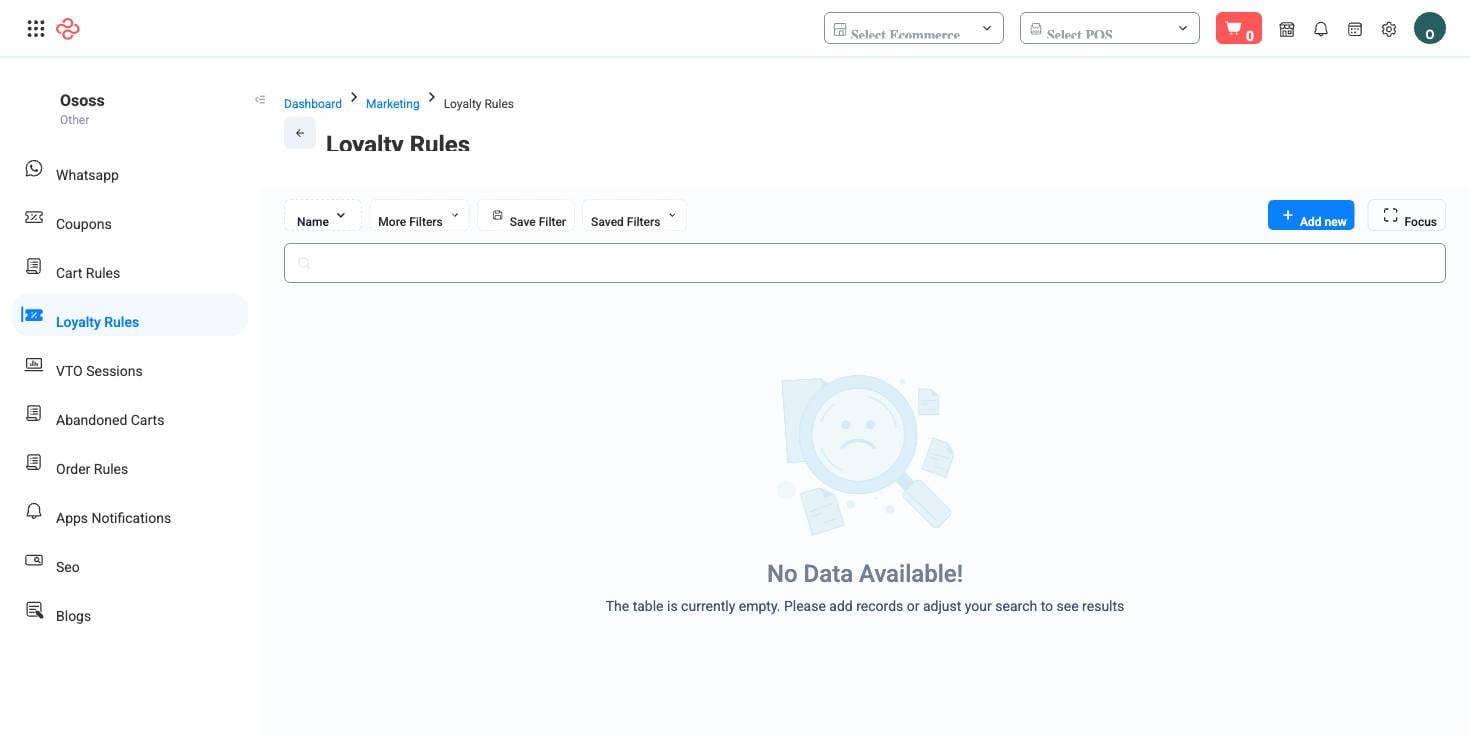
Loyalty Rules
A loyalty rule says how customers earn points. Each rule ties an earning trigger to a number of points, with optional ceilings, so you can build a programme that rewards the behaviour you actually want rather than just spending.
Menu path: Marketing > Loyalty Rules
Earning triggers
There are four triggers, and they reward very different things:
| Trigger | Rewards | Typical use |
|---|---|---|
| On order completed | Every completed order | The backbone of a points programme |
| On signup / registration | Creating an account | Turning a browser into a known customer |
| On first order completed | The first purchase only | Converting a signup into a buyer |
| On review submitted (approved) | An approved product review | Building the reviews that sell to everyone else |
Points are set per rule in the Points amount field. For the order-completed trigger, two extra ceilings appear:
- Max points per order - caps what a single large order can earn.
- Max points per customer per period - caps what one customer can accumulate in a period.
Those two fields are the difference between a programme and a liability. Without them, one bulk order or one very active customer can generate a points balance you did not budget for and still have to honour.
Rule-level controls
| Field | Purpose |
|---|---|
| Name | What the rule is, in words your team will recognise |
| Start date and end date | The window it operates in |
| Priority | Which rule wins when more than one applies |
| Uses per customer | How many times one customer can benefit |
| Active | Whether it is running |
Build a programme
- Start with one rule on On order completed and a simple points amount. A programme customers can explain to each other works; one that needs a table does not.
- Set both ceilings before you activate it. Decide the maximum you are willing to owe per order and per customer per period, and enter those numbers.
- Add a signup rule if you need email or mobile numbers, and a first-order rule if signups are not converting.
- Add a review rule if you are building a new catalogue's credibility - approved reviews earn points, so the reward follows genuine content rather than volume.
- Set the dates and the priority, then activate.
- Watch the points liability, not just redemption. Unredeemed points are a promise on your balance sheet.
Full reference
Every option and control on this page, at a glance.
Filters (1)
- Other: Name
Form fields (8)
Active, Amount, End date, Name, Priority, Start date, Trigger on, Uses per customer
Standard list tools
Every list page in OSOSS shares these controls:
- Manage columns - the icon at the right edge of the header row: search columns, tick to show or hide, drag to reorder. Your selection persists for your user.
- Quick search - matches the page's primary field.
- Filter chips + More Filters - the chips are your defaults; More Filters exposes the full set below.
- Save Filter / Saved Filters - name a filter combination and recall it in one click; one can be your default view.
- Reset - clears filters back to defaults.
- Export All - downloads the current filtered rows with exactly the columns you have selected.
- Focus - hides the surrounding chrome for a full-width table.
- Row selection - the header checkbox selects the page or all matching rows, enabling bulk actions.
- Rows per page and page jumper - at the foot of the table.
- Custom fields - anything you define under Settings > Custom Fields appears here as both a column and a filter.
Related pages
- Cart Rules - checkout discounts rather than points
- Customer Groups - who a rule can target
- Customers - where a customer's balance appears
What you can do on this page
Every action on this page, step by step. What you see depends on your role, so a control your account is not set up for simply does not appear.
Export the list
- Filter and choose your columns first - the export mirrors exactly what is on screen, not the whole table.
- Click Export All.
- The file downloads as a spreadsheet: one row per record, your visible columns in your order.