
Cash Flow
The cash flow report follows the money itself: what came in, what went out, and what is left in your bank and cash accounts over a period. It is the report that explains how a profitable month can still leave you short.
Menu path: Accounting > Reports > Cash Flow
URL: https://my.ososs.com/dashboard/reports/cash-flow
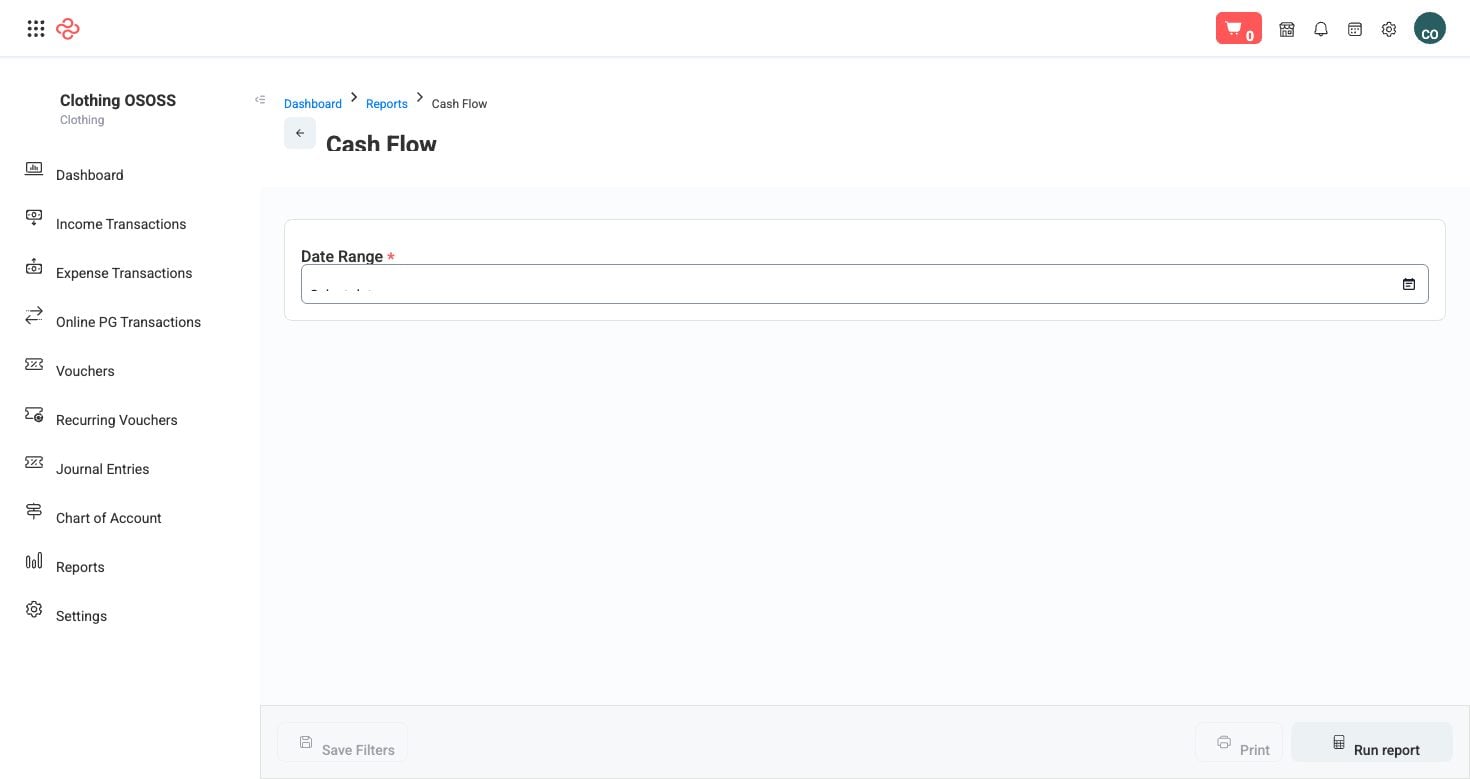
Screenshot from the live OSOSS Dashboard
Why it differs from profit
Profit is recognised when a sale is invoiced. Cash arrives when the customer pays. The gap between those two moments is what this report makes visible:
| Situation | Profit and loss says | Cash flow says |
|---|---|---|
| Sold on 30-day credit | Revenue this month | Nothing until they pay |
| Bought stock for cash | Nothing until it sells | Money gone today |
| Customer prepayment | Nothing yet | Cash in now |
| Loan received | Nothing - it is not income | Cash in now |
A business can be profitable and unable to pay wages. Cash flow is where you see that coming.
Reading it
- Set the period, then read the closing position first - that is the number that constrains every decision you make next week.
- Look at the largest inflows and outflows rather than the totals. A single supplier payment or one large collection usually explains most of a month's movement.
- Compare against Aged Receivables. If cash is tight while receivables are growing, the problem is collection, not sales.
- Watch the pattern across months. Cash falling steadily while profit holds means working capital is being absorbed - usually by stock or by customers paying more slowly.
Tip: Read cash flow weekly, not monthly. Monthly reporting is fine for profit but too slow for cash - by the time a monthly report shows a shortfall, the shortfall has already happened.
Note: Only posted payments count. Payments recorded against an invoice but not yet posted, or cheques not yet cleared, will not show as cash - see Cheque Register for what is in transit.
Related pages
- Aged Receivables - money owed to you and how late it is
- Cheque Register - cheques issued and received
- Financial Overview - daily cash movement at a glance