
Financial Overview
Financial Overview is the daily pulse of the business: money in, money out, and what is left, day by day, with benchmarks to compare against. It is built for the morning read rather than the month-end close.
Menu path: Accounting > Reports > Financial Overview
URL: https://my.ososs.com/dashboard/reports/financial-overview
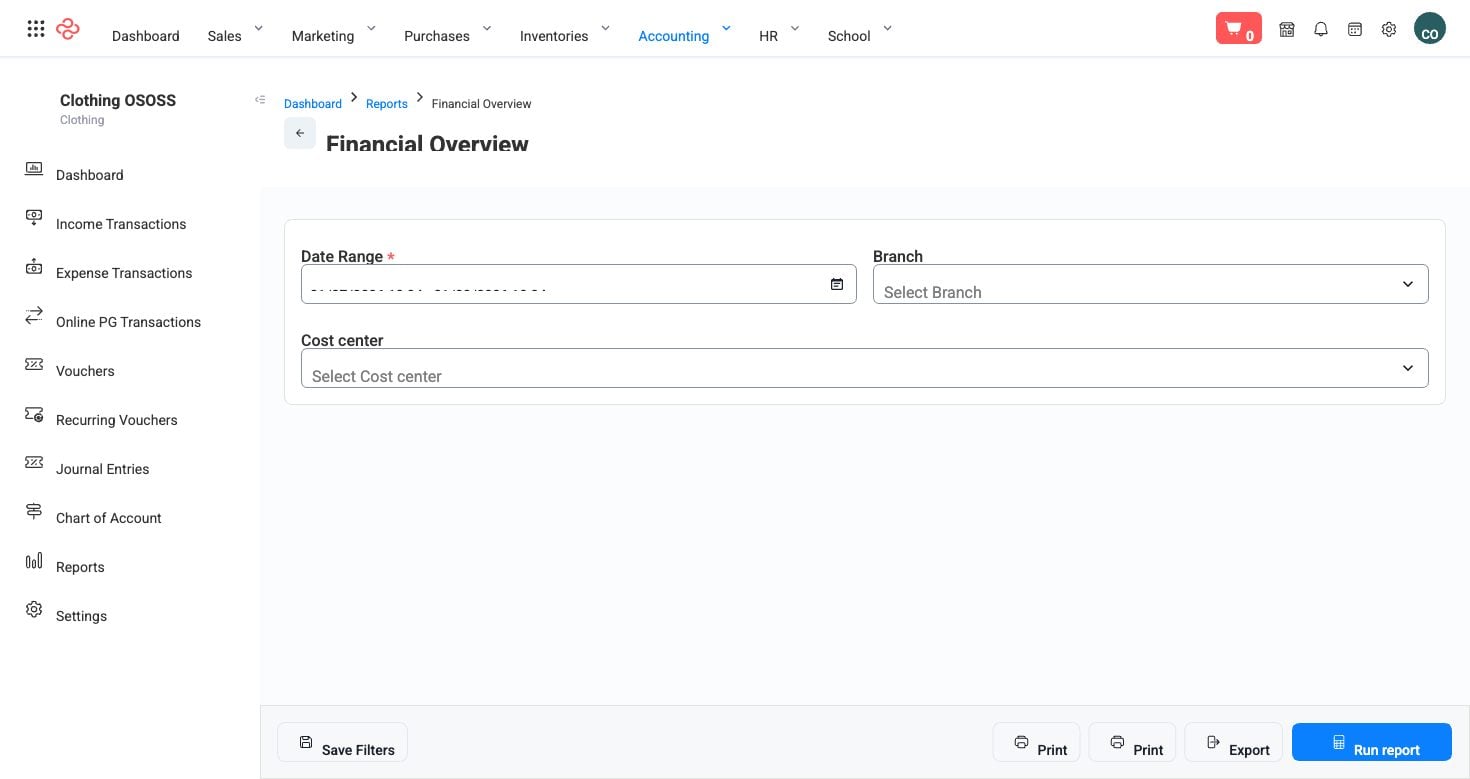
Screenshot from the live OSOSS Dashboard
What the output shows
The report combines several views of the same period:
| Column | What it means |
|---|---|
| Day | The date each row covers |
| Amount | The value moved that day |
| Metric / Type | Which measure the row reports |
| Expenses | What was spent that day |
| Returns | Value refunded or credited back |
| New dues | New amounts becoming receivable |
| Paid dues total / received group | Dues collected, in total and grouped by how they were received |
| Net daily cash | What the day actually added to or took from your cash |
| Merchant | The gateway or channel the money came through |
| Benchmark | The comparison figure for the measure |
Net daily cash is the line to read first. Sales tell you about demand; net daily cash tells you whether the day left you better off - after refunds, after expenses, after the difference between what was invoiced and what was actually collected.
Reading it
- Read it every morning for yesterday. Its value is in being current; a month-old daily breakdown is a history lesson.
- Compare each day against the benchmark rather than against your expectation. A weak Tuesday means little until you know what Tuesdays normally do.
- Watch returns as a share of sales, not as a number. Rising returns alongside rising sales is a product or a fulfilment problem building quietly.
- Use the merchant grouping to see which payment routes carry your money, then check the fees on the busiest ones - a percentage that felt small applies to your largest volume.
Tip: New dues against paid dues is the cleanest early read on collection health. If new dues consistently outrun what is collected, your receivables are growing whatever your sales look like - confirm with Aged Receivables.
Note: The report reflects posted documents only, so a day looks quieter than it was if invoices or payments are still sitting in draft.
Related pages
- Cash Flow - the same money over a period rather than by day
- Aged Receivables - what is owed and how late
- Sales Summary - the sales side in detail