
Customer Statements
A customer statement is the document you send a customer showing what they owe: the invoices, the payments made against them, and the balance outstanding. This report builds it and emails it.
Menu path: Accounting > Reports > Customer Statements
URL: https://my.ososs.com/dashboard/reports/customer-statements
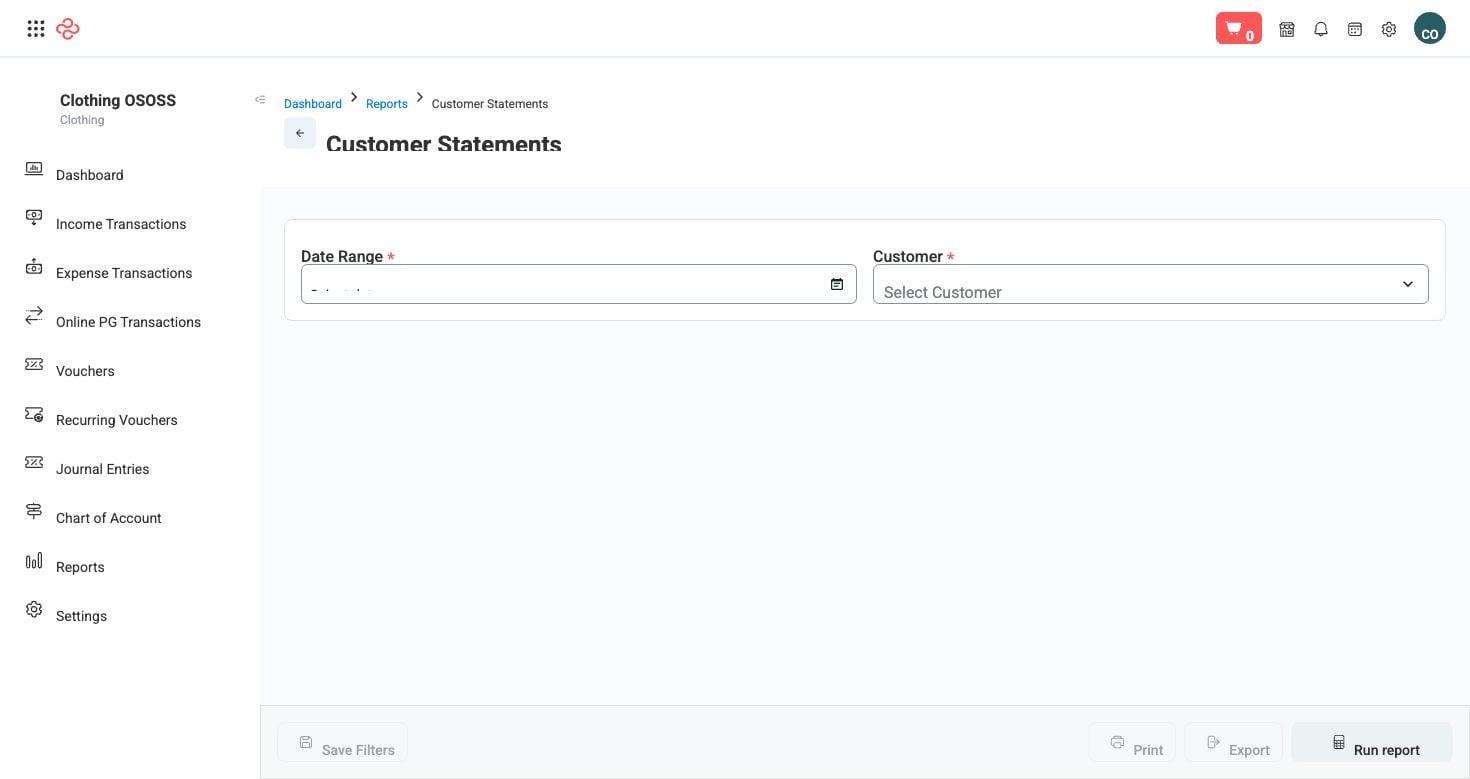
Screenshot from the live OSOSS Dashboard
What you set before sending
| Field | Purpose |
|---|---|
| From / To | The period the statement covers |
| Total | The balance being claimed |
| Subject | The email subject line the customer sees |
| Message | Your covering note |
The statement itself lists the customer's invoices and payments for the period with the resulting balance, so the customer can reconcile it against their own records without asking you for detail.
Sending statements that get paid
- Set a period the customer can verify. A statement covering the last three months is checkable; one covering two years is filed and forgotten.
- Write a subject line that says what it is and what is needed - the invoice numbers or the period, not "Statement".
- Keep the message short and specific: the amount, the due position, and how to pay. A statement that requires a phone call to interpret delays payment by exactly one phone call.
- Send on a schedule your customer's accounts department can plan around - the same day each month.
- Work from Aged Receivables to choose who gets one: everyone in the 31-to-60 bucket, before they age further.
Tip: Send statements before the balances become old, not after. A statement is a routine document at 45 days and an escalation at 120 - and only one of those preserves the relationship.
Warning: Check the statement before it goes. A statement that includes an already-paid invoice damages your credibility and gives the customer a reason to stop the entire payment run while it is queried.
Related pages
- Aged Receivables - who to send statements to
- Customers Balance - the balances behind the statements
- Customers - the customer records and their contact details