
Customers Balance
Customers Balance lists every customer account with what it started at, what moved in the period, and where it ended. It is the receivables ledger in summary - one line per customer.
Menu path: Accounting > Reports > Customers Balance
URL: https://my.ososs.com/dashboard/reports/customers-balance
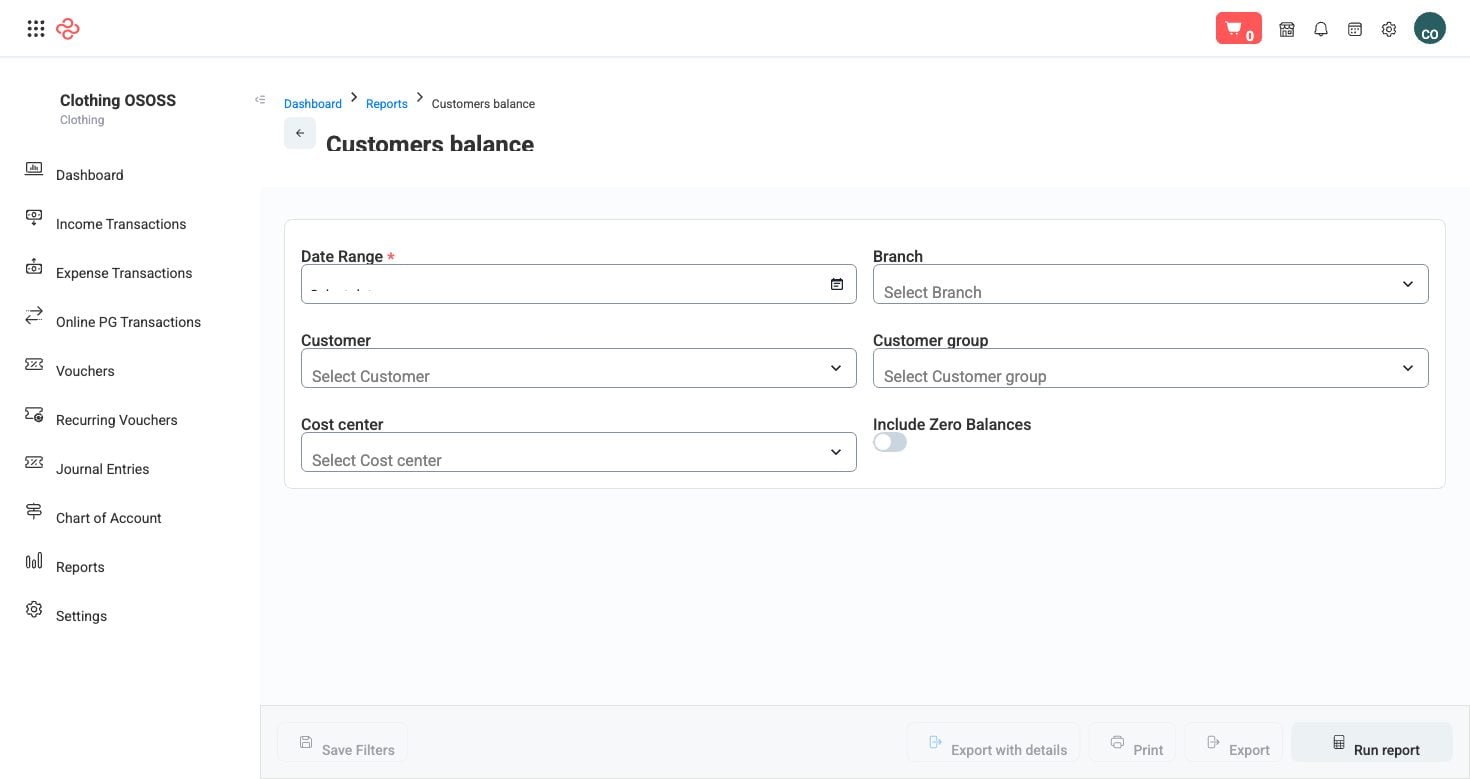
Screenshot from the live OSOSS Dashboard
What the output shows
| Column | What it means |
|---|---|
| Account number | The customer's account in your chart of accounts |
| Account | The customer name |
| Starting balance | What they owed at the start of the period |
| Total debit | Invoiced to them in the period |
| Total credit | Paid or credited by them in the period |
| Net movement | Debit less credit for the period |
| Ending balance | Where the account stands now |
Read the pair of totals together. A customer with a large debit and an equally large credit is trading heavily and paying - which is a good customer, not a risk. A customer with a large debit and no credit is the one to act on, whatever the size of the balance.
Reading it
- Sort by ending balance to see your largest exposures.
- Then sort by net movement. A balance that grew this period is a live problem; a large but static balance is an old one you already know about.
- Check for negative balances - a customer in credit means an overpayment, a prepayment, or a credit note never applied. Each needs resolving, and customers rarely report money you owe them.
- Move to Aged Receivables for the ageing split before you decide who to chase, because this report does not say how old the balance is.
Note: This report shows balances, not ages. A 10,000 balance that is one week old and a 10,000 balance that is one year old look identical here and are completely different problems.
Tip: Reconcile the total of this report against the receivables figure on your balance sheet. They should agree; a difference means something posted to a customer account outside the normal invoice and payment flow.
Related pages
- Aged Receivables - the same balances split by age
- Customer Statements - what you send the customer
- Suppliers Balance - the same view on the payables side