
Sales Summary
Sales Summary is the single-screen answer to "how did we sell this period?" - totals across the dimensions that matter, without opening the invoice list.
Menu path: Sales > Reports > Sales Summary
URL: https://my.ososs.com/dashboard/reports/sales-summary
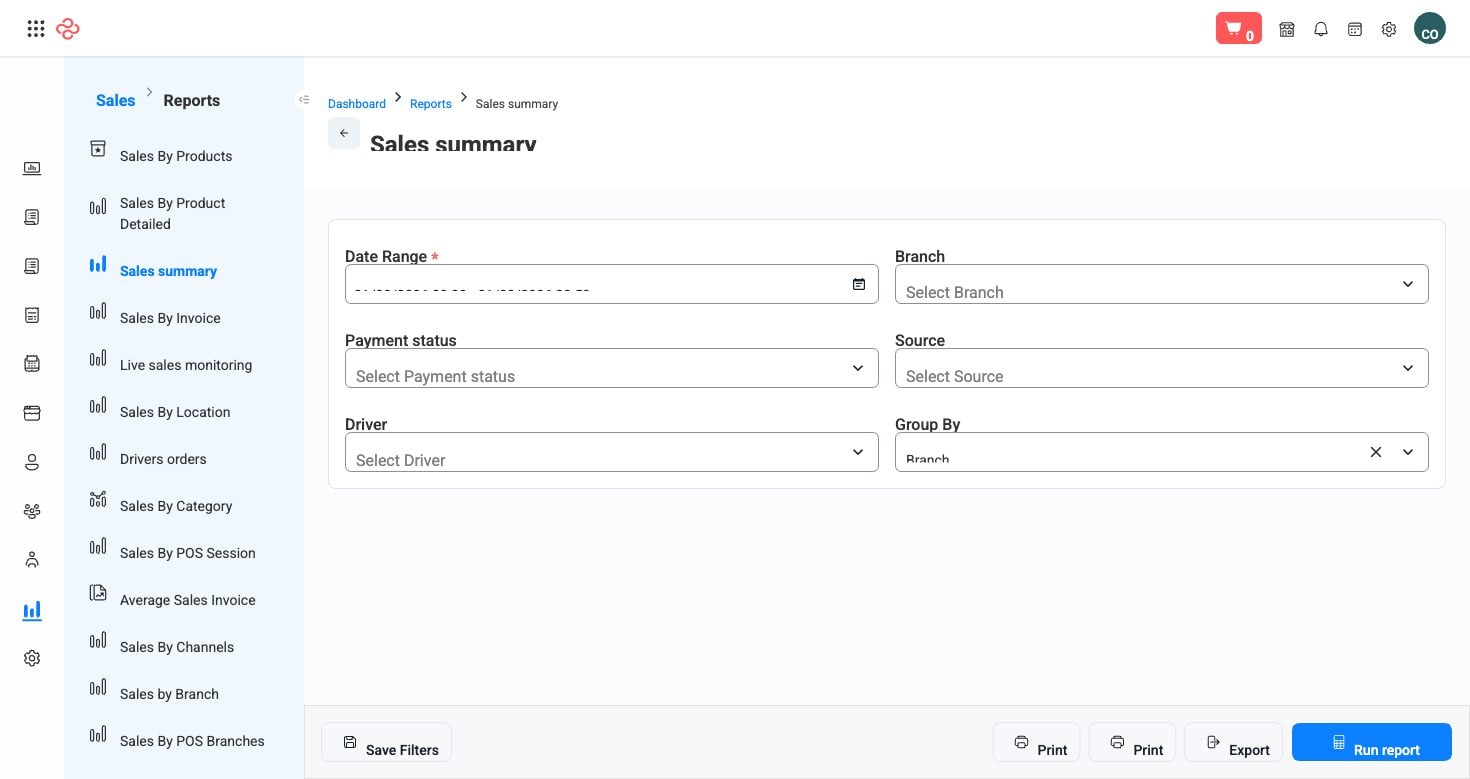
Screenshot from the live OSOSS Dashboard
What it summarises
For the period you choose, the report totals your sales and breaks them down so each number can be acted on:
| Measure | What it tells you |
|---|---|
| Gross sales | Everything invoiced before deductions |
| Discounts | What you gave away, deliberately or otherwise |
| Returns and refunds | What came back |
| Net sales | What you actually sold |
| Tax | Tax charged, for reconciliation against your filing |
| Collected against outstanding | How much of it has been paid |
| By channel | POS, website, mobile app, API |
| By branch | Which locations produced it |
| By payment method | How customers paid |
The discount line is the one businesses under-read. Discounts given at the counter, promotional pricing, cart rules and customer-group pricing all land there, and the total is often larger than anyone expects.
Reading it
- Read net sales, not gross. Gross flatters; net is what reached the business.
- Take discounts as a percentage of gross and watch that percentage across months. Rising discount share with flat sales means you are buying the same revenue more expensively.
- Compare collected against outstanding. Strong sales with weak collection is a receivables problem in the making - confirm in Aged Receivables.
- Use the channel split to decide where to invest. Read it beside cost of delivery and gateway fees, since the channel with the highest sales is not always the most profitable.
- Check the tax figure against what you file. It should agree; a difference means documents issued outside your tax settings.
Tip: Compare the same period last year rather than last month wherever your trade is seasonal - see Annual Sales Comparison. Ramadan against the previous month tells you nothing; Ramadan against last Ramadan tells you everything.
Note: Only posted invoices are counted, so drafts and unposted documents make a period look weaker than it was.
Related pages
- Product Sales Profit - which products earned the money
- Aged Receivables - what was sold but not collected
- Financial Overview - the same period day by day