
Journal Items
Journal Items is every accounting line in the system, in one searchable list - each debit and credit with the document it came from. Where the trial balance totals accounts, this shows the individual entries those totals are made of.
Menu path: Accounting > Reports > Journal Items
URL: https://my.ososs.com/dashboard/reports/journal-items
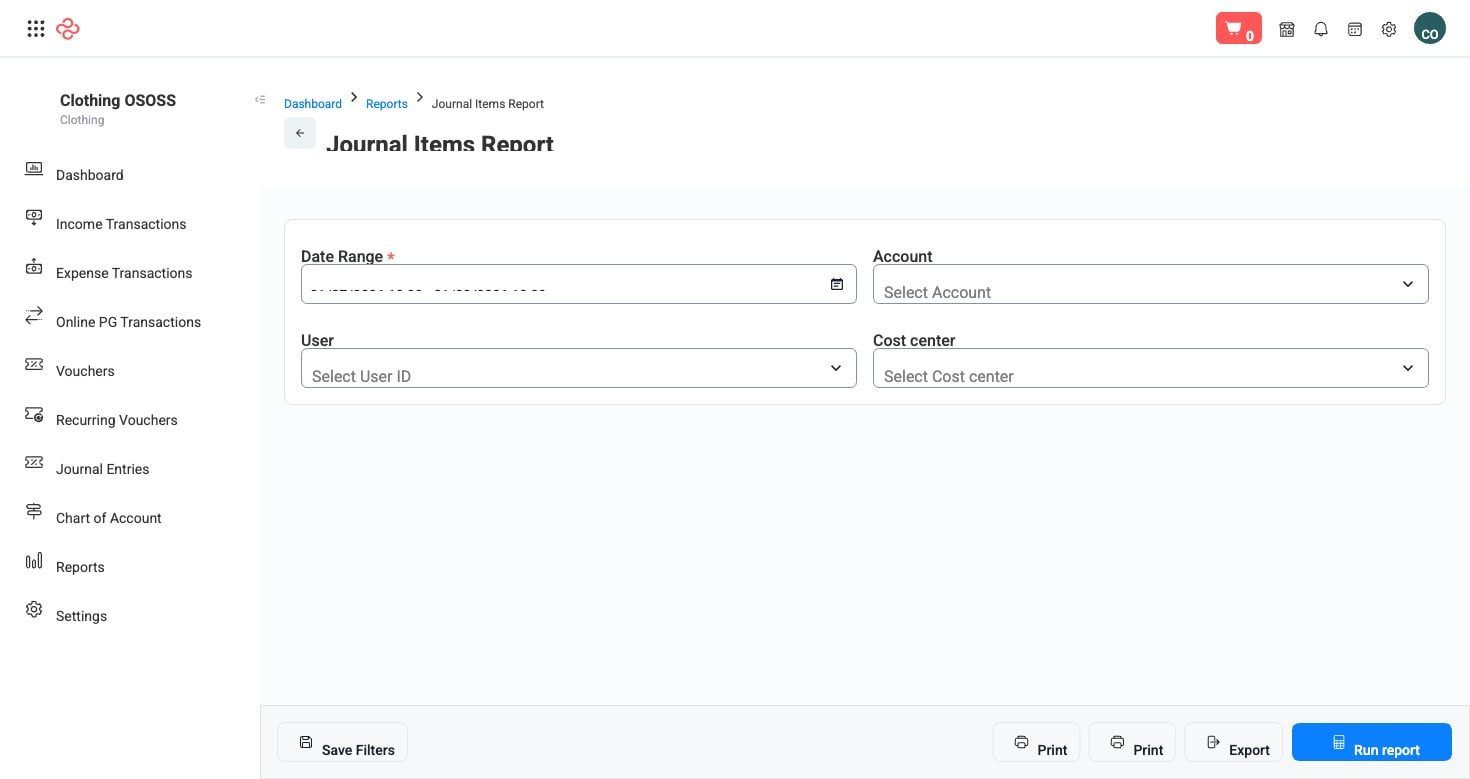
Screenshot from the live OSOSS Dashboard
What the output shows
| Column | What it means |
|---|---|
| Date | When the line was posted |
| Account | The account debited or credited |
| Debit value / Credit value | The amount on each side |
| Journal entry number | The entry the line belongs to |
| Transaction / Transaction number | The originating document - an invoice, a payment, a bill, a stock movement |
| Note | Any note carried on the line |
The transaction column is what makes this the investigation tool of the accounting module. Every automatic posting in OSOSS names its source, so a figure you do not recognise can be traced back to the document that created it rather than guessed at.
Reading it
- Filter by date range first, then narrow by account. Both together turn a very long list into the handful of lines you actually need.
- Use it to answer "why is this account this number?" Open the account's lines for the period and read them in date order; the wrong entry is usually visible as a transaction type that does not belong on that account.
- Check the debit and credit totals for your filtered selection. They should balance for any complete set of entries.
- Export when you need to send evidence. The export carries the source references, which is what an auditor asks for.
Note: Only posted entries appear. Drafts are excluded, so an entry you cannot find may simply be unposted - check the document itself rather than assuming the report is wrong.
Tip: When a balance disagrees with your expectation, work here rather than in the statements. Statements tell you that something is wrong; journal items tell you which document did it.
Related pages
- Journal Entries - the entries these lines belong to
- Trial Balance - the totals these lines build
- Account Transactions - the same detail arranged per account