
Trial Balance
The trial balance lists every account with its opening balance, the debits and credits posted in the period, and the closing balance. It is the report accountants open first, because if total debits do not equal total credits, nothing built on top of it can be trusted.
Menu path: Accounting > Reports > Trial Balance
URL: https://my.ososs.com/dashboard/reports/trial-balance
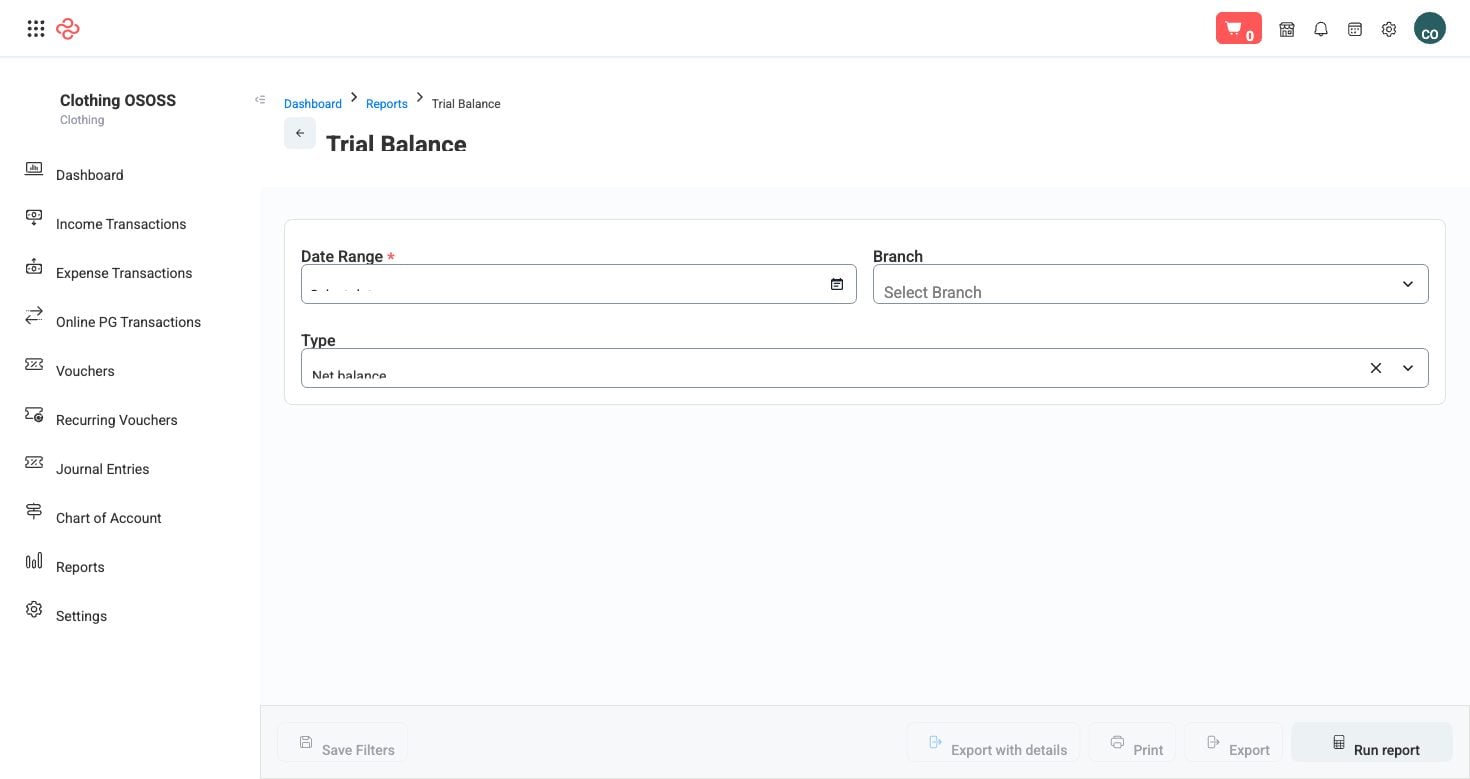
How it is built
Every posted document in OSOSS - an invoice, a payment, a bill, a stock movement, a journal entry - writes debit and credit lines against accounts. The trial balance groups all of those lines by account for the period you choose, then shows where each account started and where it ended.
Drafts are excluded. An unposted voucher or a draft journal entry does not appear, which is why a figure you expect to see may be missing: check that the document was posted, not just saved.
What the output shows
| Column | What it means |
|---|---|
| Number | The account's number in your chart of accounts |
| Account | The account name |
| Starting balance | The balance carried in on the first day of the period |
| Debit | Total debits posted in the period |
| Credit | Total credits posted in the period |
| Total debit / Total credit | Period totals, used for the balance check |
| Net balance | Debits less credits for the period |
| Ending balance | Starting balance plus the period's net movement |
At the foot, total debit and total credit must match. They always will in normal operation - OSOSS posts in balanced pairs - so a mismatch points at a data problem worth raising rather than a rounding difference to ignore.
Reading it
- Set the period. Comparing two periods means running it twice; the report shows one window at a time.
- Filter by account type to read one side of the business - assets, liabilities, income, expenses.
- Check the totals line first, then scan for accounts whose ending balance has the wrong sign: a bank account in credit, an income account in debit, a customer account with a negative balance. Each is a real posting error and each is easier to fix now than at year end.
- Use Export with details when you need the underlying entries alongside the summary - that is the version to send to an accountant or auditor.
Related pages
- Chart of Accounts - the accounts this report groups by
- Journal Entries - the posted entries behind the numbers
- Balance Sheet and Profit and Loss - the statements built from this data