
Profit and Loss
The profit and loss statement answers one question: did the business make money in this period? It groups income and expense accounts, subtracts one from the other, and shows the result.
Menu path: Accounting > Reports > Profit and Loss
URL: https://my.ososs.com/dashboard/reports/profit-and-loss
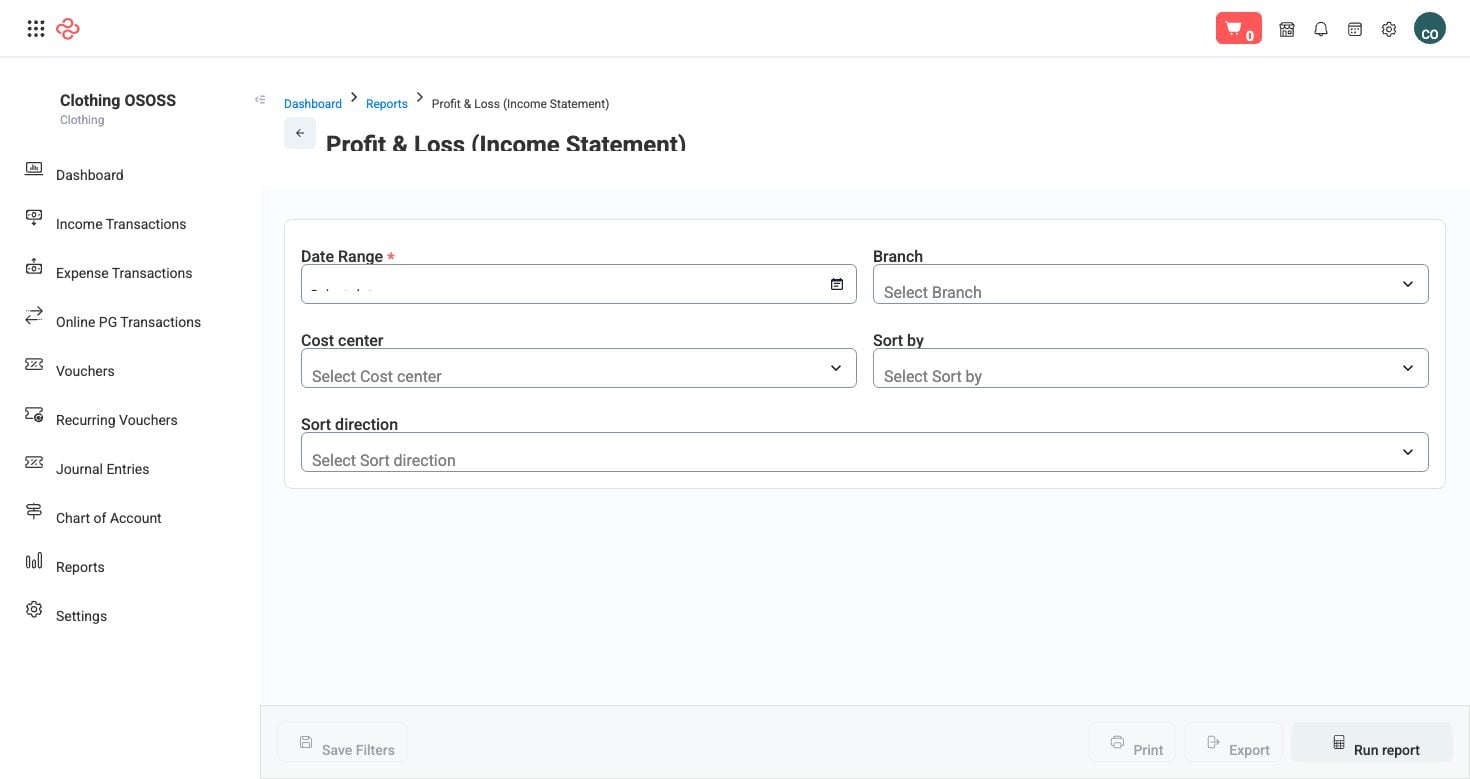
How it is built
The statement covers a date range - you set a from and a to date, and it reports what happened between them. Only income and expense accounts appear; balances you own or owe belong on the balance sheet instead.
Where the figures come from:
| Line | Source |
|---|---|
| Revenue | Invoices posted in the period, less returns and credits |
| Cost of sales | The cost recorded against the items sold - which is why purchase costs and freight must be entered correctly |
| Gross profit | Revenue less cost of sales |
| Operating expenses | Expenses, receipts and journal entries posted to expense accounts |
| Net profit | Gross profit less expenses |
Accounts are presented in the structure of your chart of accounts, so the statement is only as readable as that structure. Each account's final account classification decides whether it lands here or on the balance sheet.
Reading it
- Set the period first, and use the same period boundaries every month so the comparison is honest.
- Read gross profit before net profit. Gross tells you whether your pricing and buying work; net tells you whether your overheads fit the business those prices support.
- Sort by account number or by last activity, and ascending or descending, to bring the largest movements to the top.
- Check cost of sales against what you know you bought. A gross margin that looks too good almost always means costs that were not entered - freight and customs sitting in an expense account instead of in the cost of goods.
Related pages
- Balance Sheet - what you own and owe at a point in time
- Trial Balance - the account-level detail underneath
- Chart of Accounts - the structure this statement follows